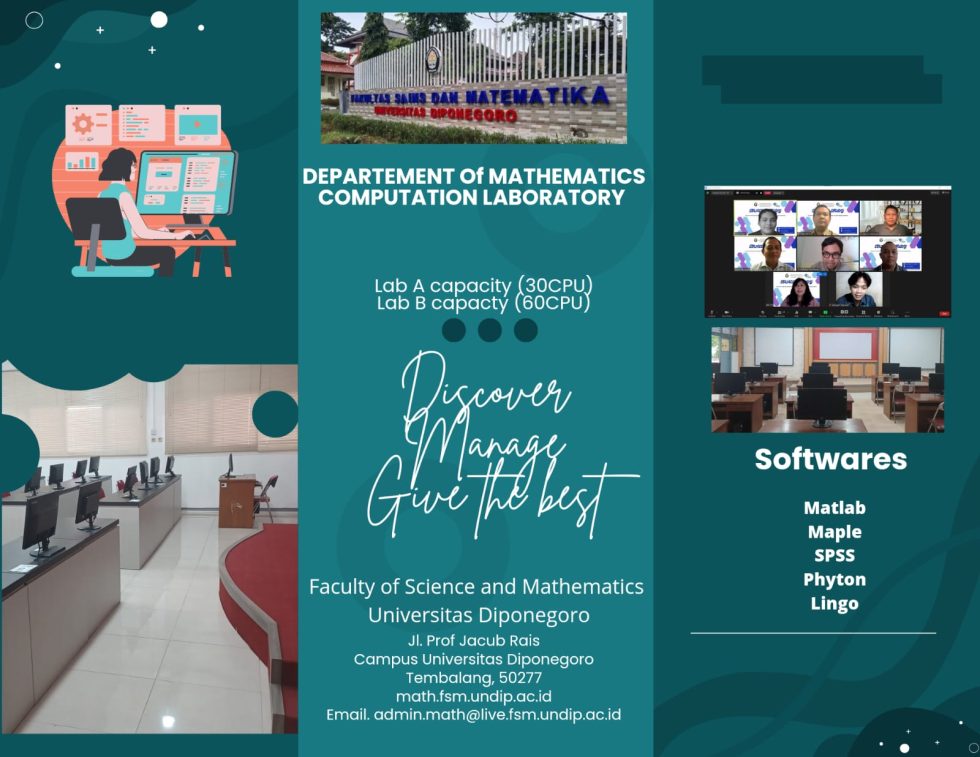
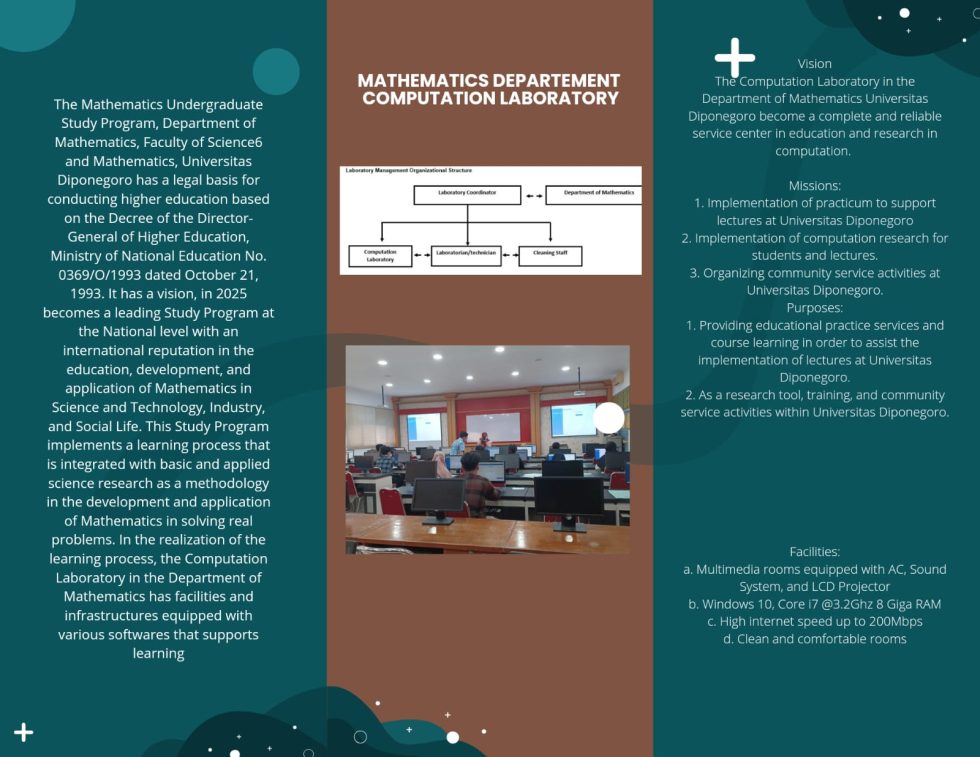
To support excellent education and research, we provide computer laboratories with various mathematical and supporting software. The computers have recent specifications such as multi-core CPUs, Sufficiently big RAM capacities, and up-to-date software with Windows operating systems. All computers are equipped with high-speed internet connection to support online/cloud computations. The software includes basic the microsoft office (Ms Word, Ms Excel, etc.) and mathematical softwares such as Python (Google Colab), Matlab (matlab.mathworks.com), Maple, etc.
Computer Lab. A
Computer Lab. A has 30 computers, mainly for teaching and workshop purposes. This is suitable for small to medium class size.
Computer Lab. B
Computer Lab. B has 60 computers, mainly for teaching and workshop purposes. This is suitable for medium to large class size.
General User Guide
- This guide provides general instructions and best practices for the proper use, care, and maintenance of computer equipment. It is intended to ensure efficient usage, prolong equipment lifespan, and maintain data security.
- This guide applies to all users of computer equipment, including desktops, laptops, monitors, printers, and peripheral devices within the organization.
- Use computer equipment for authorized work-related purposes only.
- Handle all equipment with care to avoid physical damage.
- Do not install unauthorized software or hardware.
- Report any malfunction or damage immediately to the IT support team.
- Failure to comply with this guide may result in disciplinary action in accordance with organizational policies.
- Following these guidelines will help ensure safe, secure, and efficient use of computer equipment for all users.
Startup Procedures
- Ensure all cables and power connections are secure.
- Turn on the power supply and then the computer.
- Log in using your assigned credentials.
Shutdown Procedures
- Save all work before shutting down.
- Close all running applications.
- Use the operating system’s shutdown option; do not force power off.
Security Guidelines
- Keep your login credentials confidential.
- Use strong passwords and update them regularly.
- Lock your computer when leaving your workstation.
- Avoid accessing suspicious websites or downloading unknown files.
Data Management
- Save files in designated folders or network drives.
- Regularly back up important data.
- Do not store sensitive data on unauthorized external devices.
Maintenance and Care
- Keep equipment clean and free from dust.
- Do not eat or drink near computer equipment.
- Ensure proper ventilation to prevent overheating.
- Use surge protectors where applicable.
Internet and Email Usage
- Use the internet responsibly and for work-related purposes.
- Do not open email attachments from unknown sources.
- Avoid sharing confidential information عبر email without proper authorization.
Peripheral Devices
- Use printers, scanners, and other peripherals according to provided instructions.
- Turn off devices when not in use.
- Report any issues promptly.
Health and Safety
- Maintain proper posture while using computers.
- Take regular breaks to avoid eye strain.
- Adjust screen brightness and chair height for comfort.
Troubleshooting
- Restart the computer if minor issues occur.
- Check cable connections.
- Contact IT support for unresolved problems.
High Performance Computer (HPC) Lab.
The HPC Lab. is managed by the faculty and is shared across faculty members. The HPC Lab has a high performance computer used mainly for research and heavy computations. This is suitable for research that requires big computational resource such as large-scale optimization and simulation.
Safety Procedure
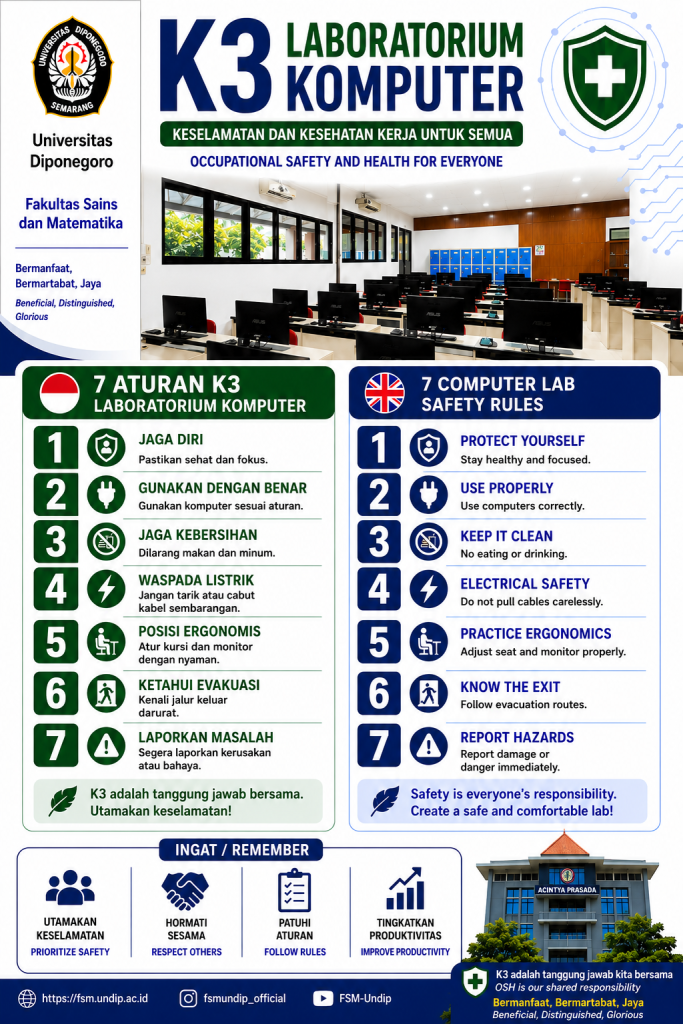
Computer Lab.’s Posters